From Login to Peace of Mind
Follow a pet owner's experience — from first login to managing all their pets' healthcare in one place.
Add Your Pets
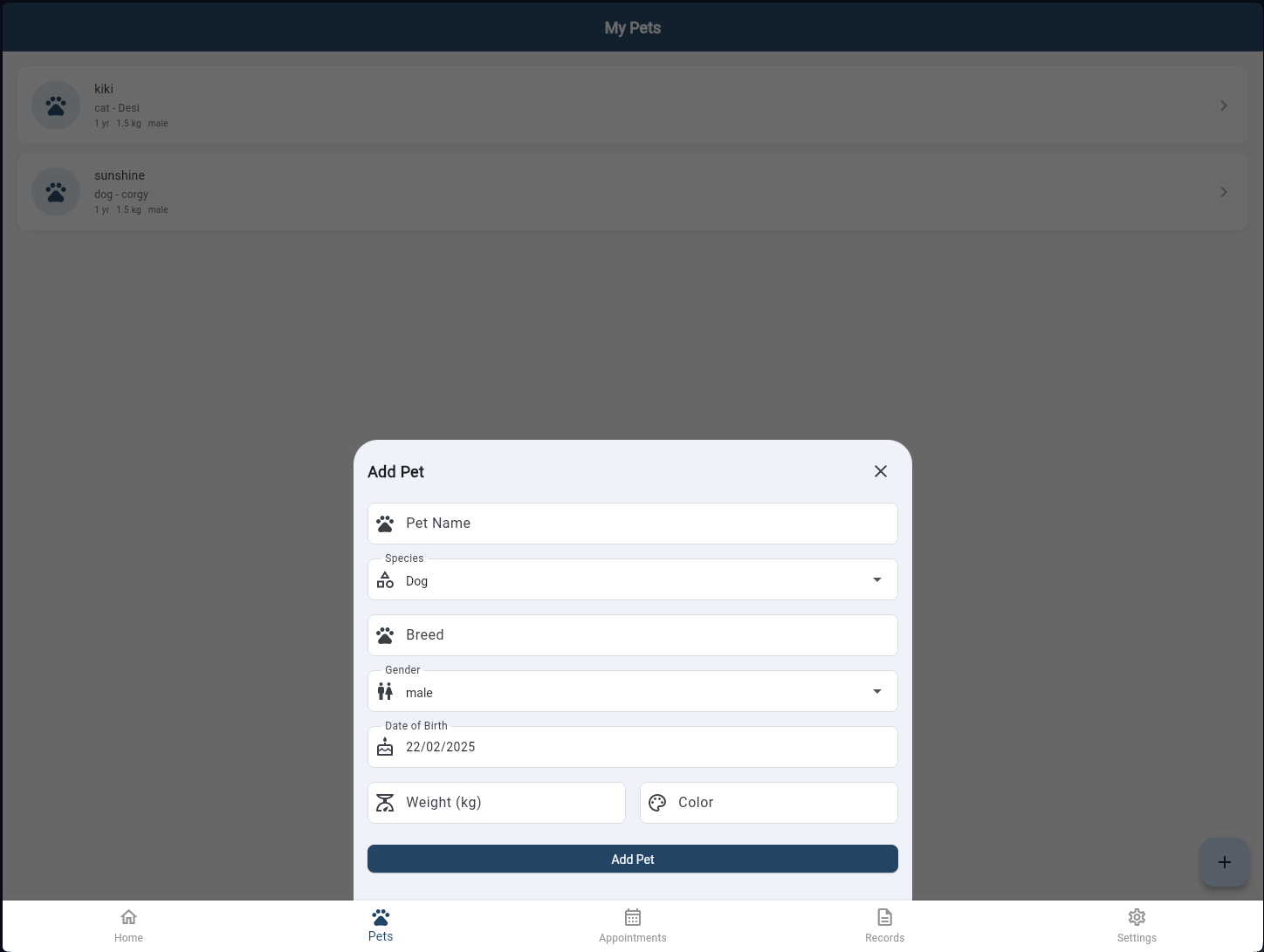
After signing in with phone OTP, pet owners add their pets in seconds. Enter the name, species, breed, gender, date of birth, weight, and colour — then tap Add Pet. Every pet gets its own profile that links to their full medical history across every visit.
Home Screen
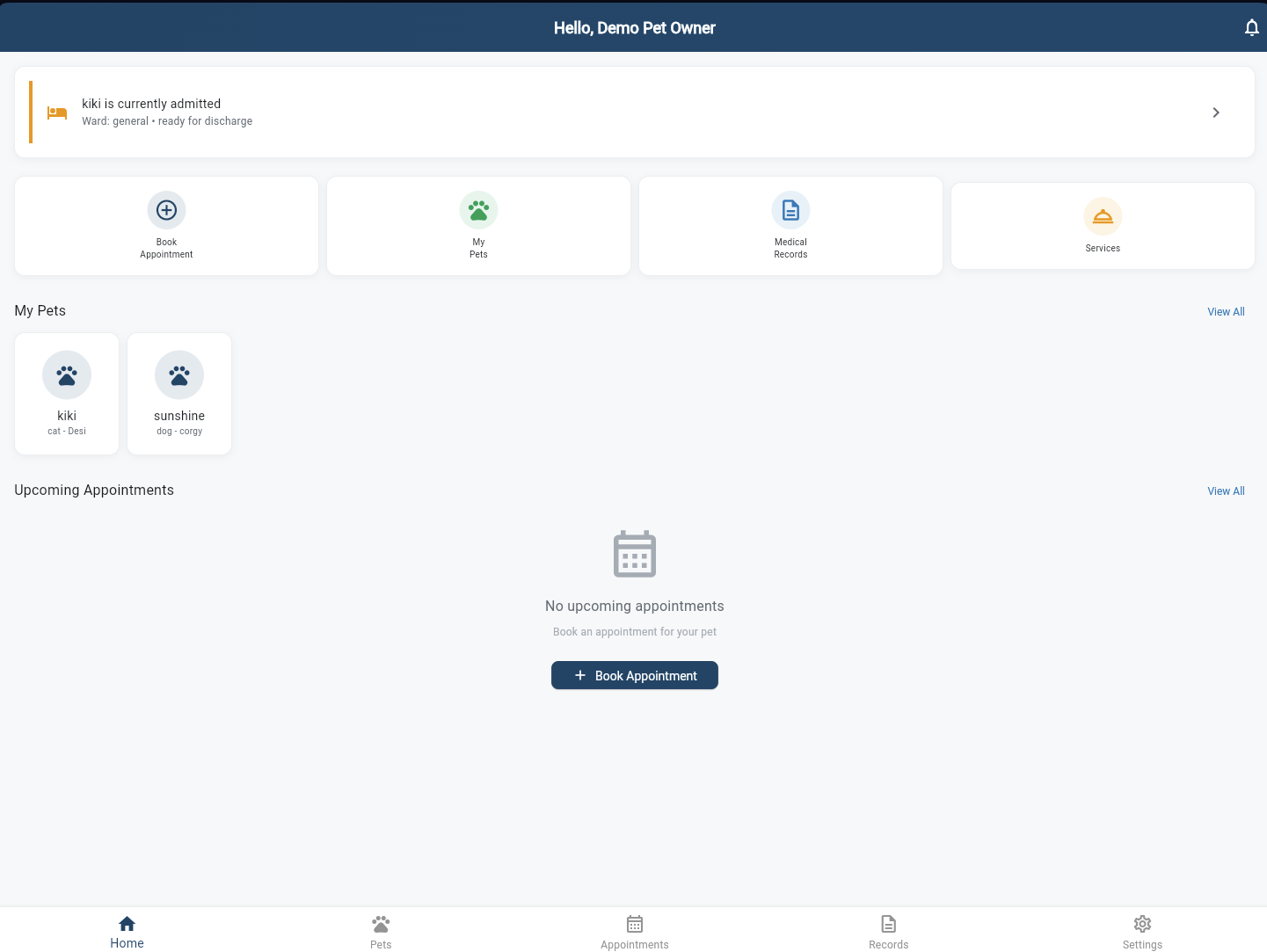
The central hub showing quick actions (Book Appointment, My Pets, Medical Records, Services), a live inpatient alert when a pet is admitted, all registered pets at a glance, and upcoming appointments. Everything an owner needs is one tap away.
My Pets
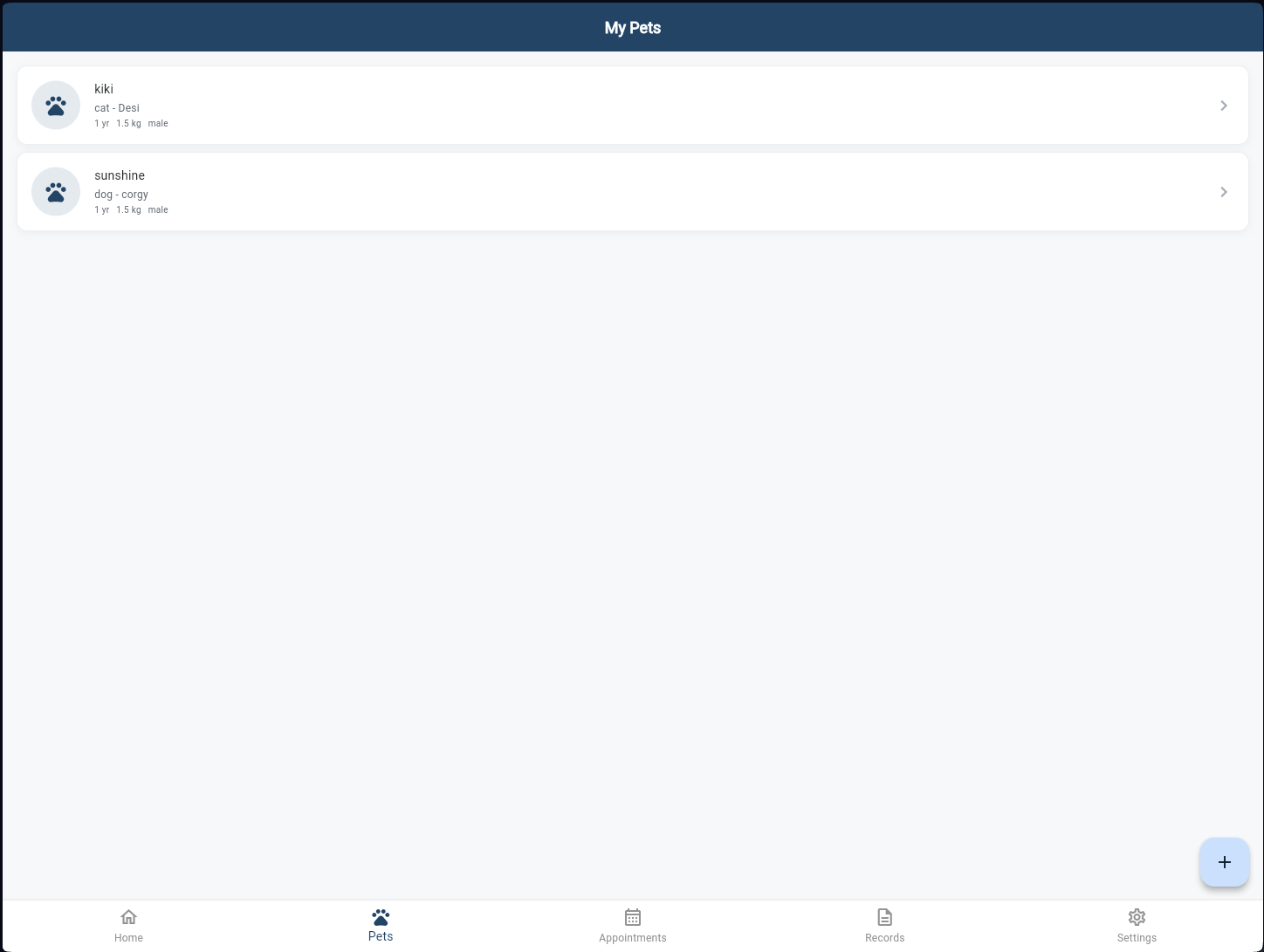
All registered pets listed with species, breed, age, and weight at a glance. Tap any pet to open their full profile — vaccination history, lab results, consultation records, and downloadable health passport. The + button adds a new pet at any time.
Book Appointment
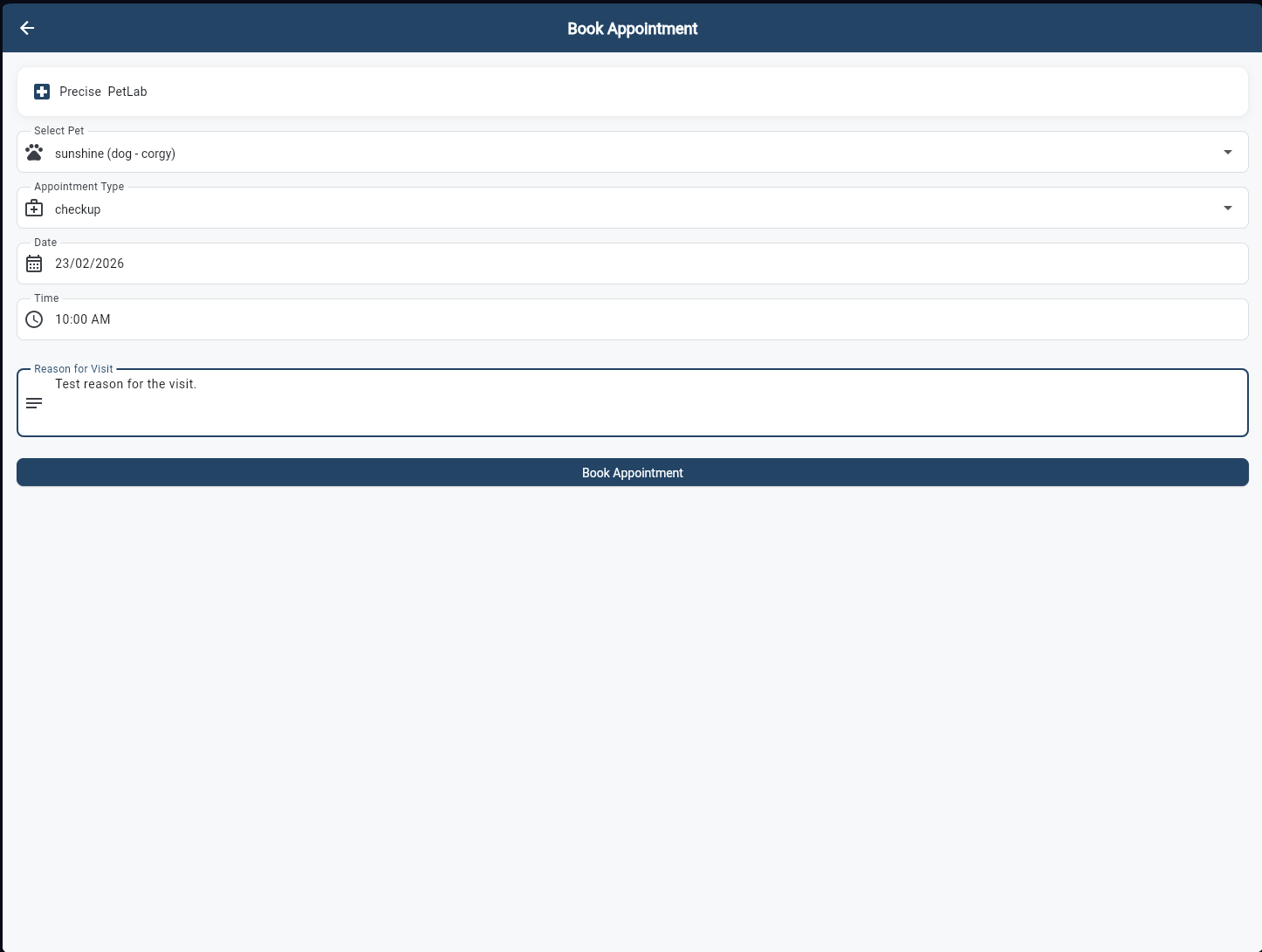
Select the hospital, choose a pet, pick the appointment type (checkup, vaccination, surgery, etc.), set the date and time, and describe the reason for the visit. One tap books it — the appointment appears instantly in the reception's queue.
Appointment Confirmed
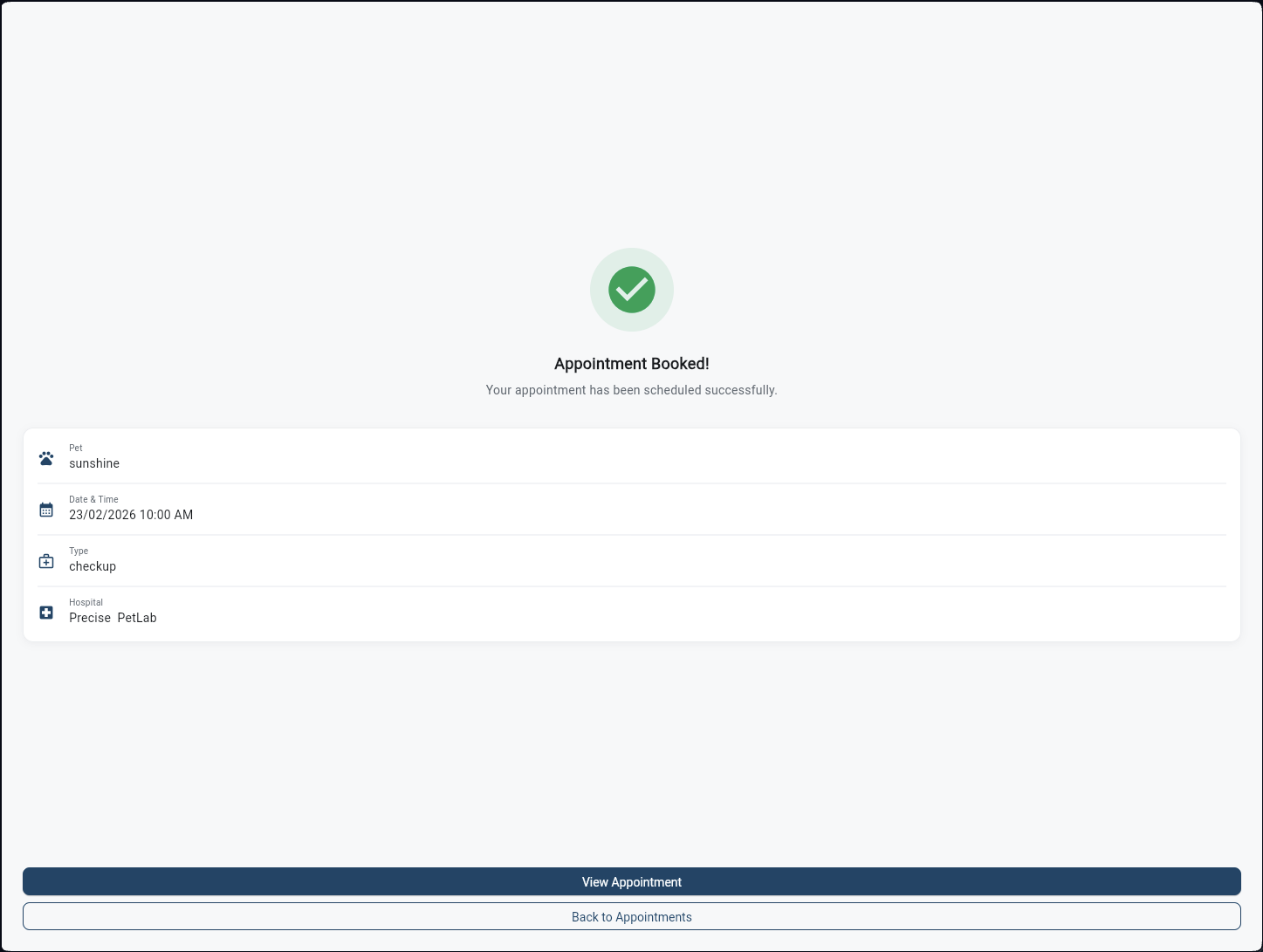
Instant booking confirmation with a full summary — pet name, date & time, appointment type, and hospital. Owners can tap "View Appointment" to track the status in real-time as it moves from Scheduled → Checked In → In Progress → Completed.
Appointment Details
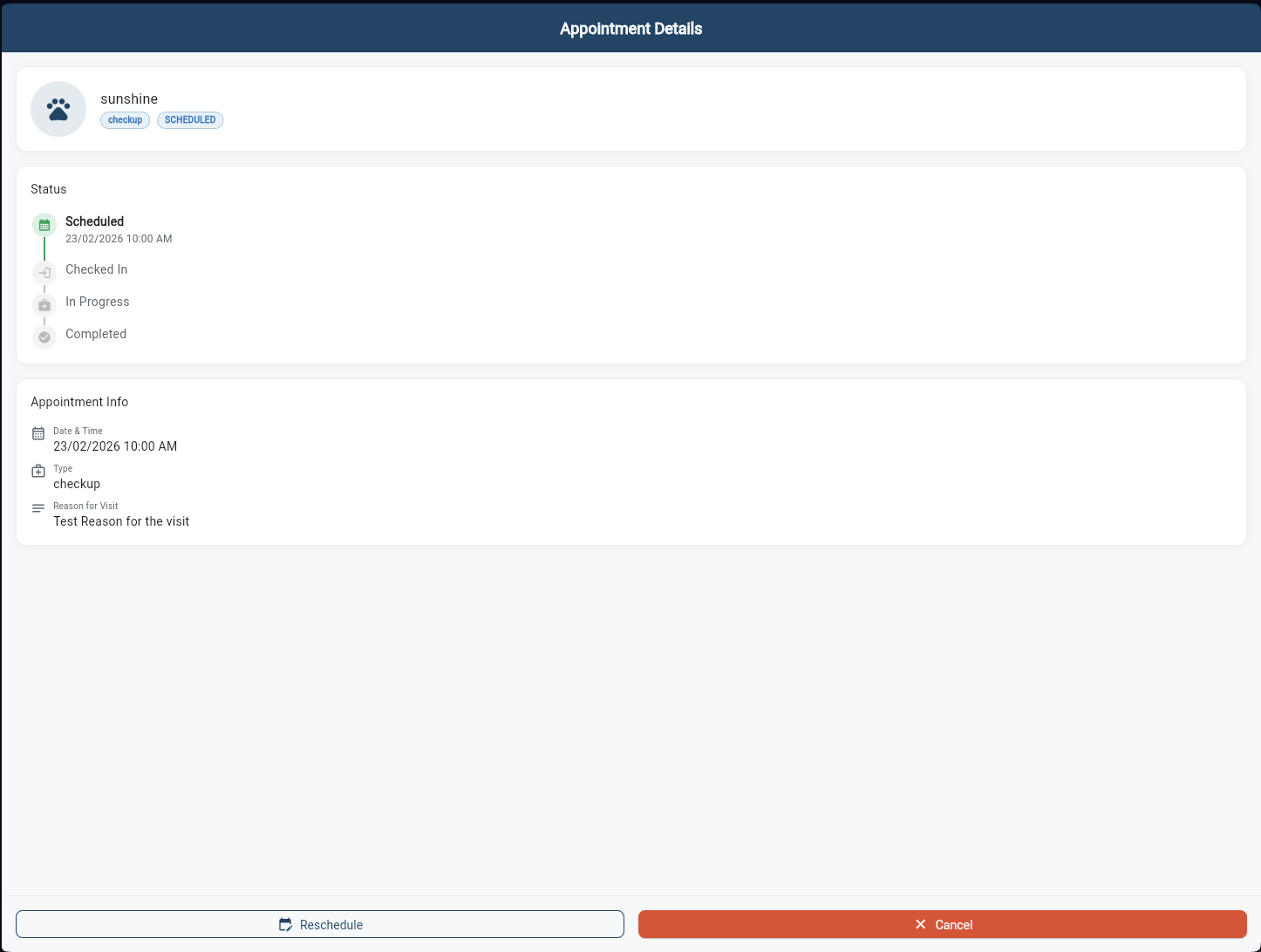
A live status timeline tracks every stage of the appointment — Scheduled, Checked In, In Progress, Completed. Owners see exactly where their pet is in the queue without having to call the clinic. Reschedule or cancel directly from this screen.
Appointments History
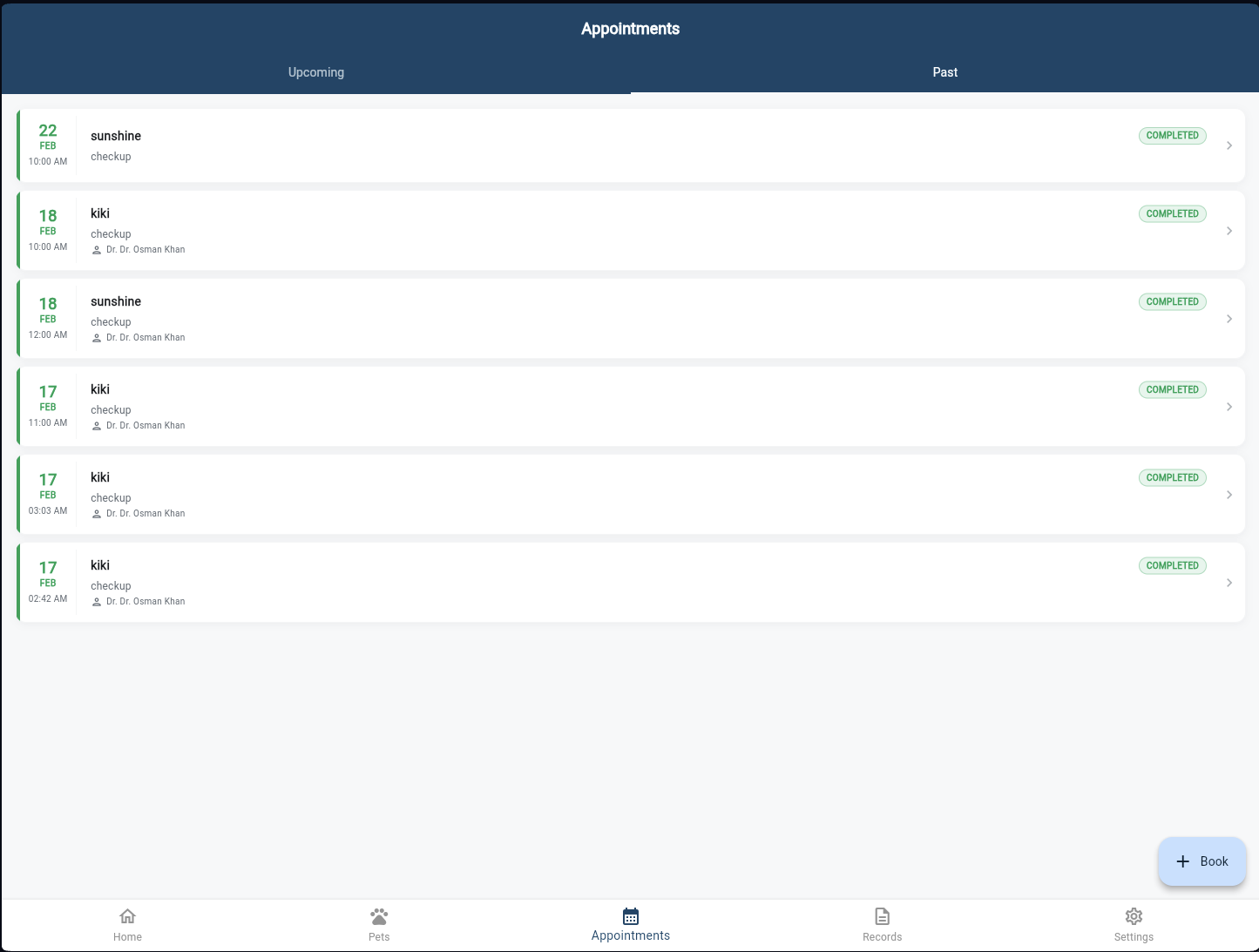
A complete log of all past and upcoming appointments across all pets — date, time, type, assigned vet, and status badge. Tap any completed appointment to view the full consultation notes, diagnosis, prescriptions, and lab orders from that visit.
Inpatient Live Tracker
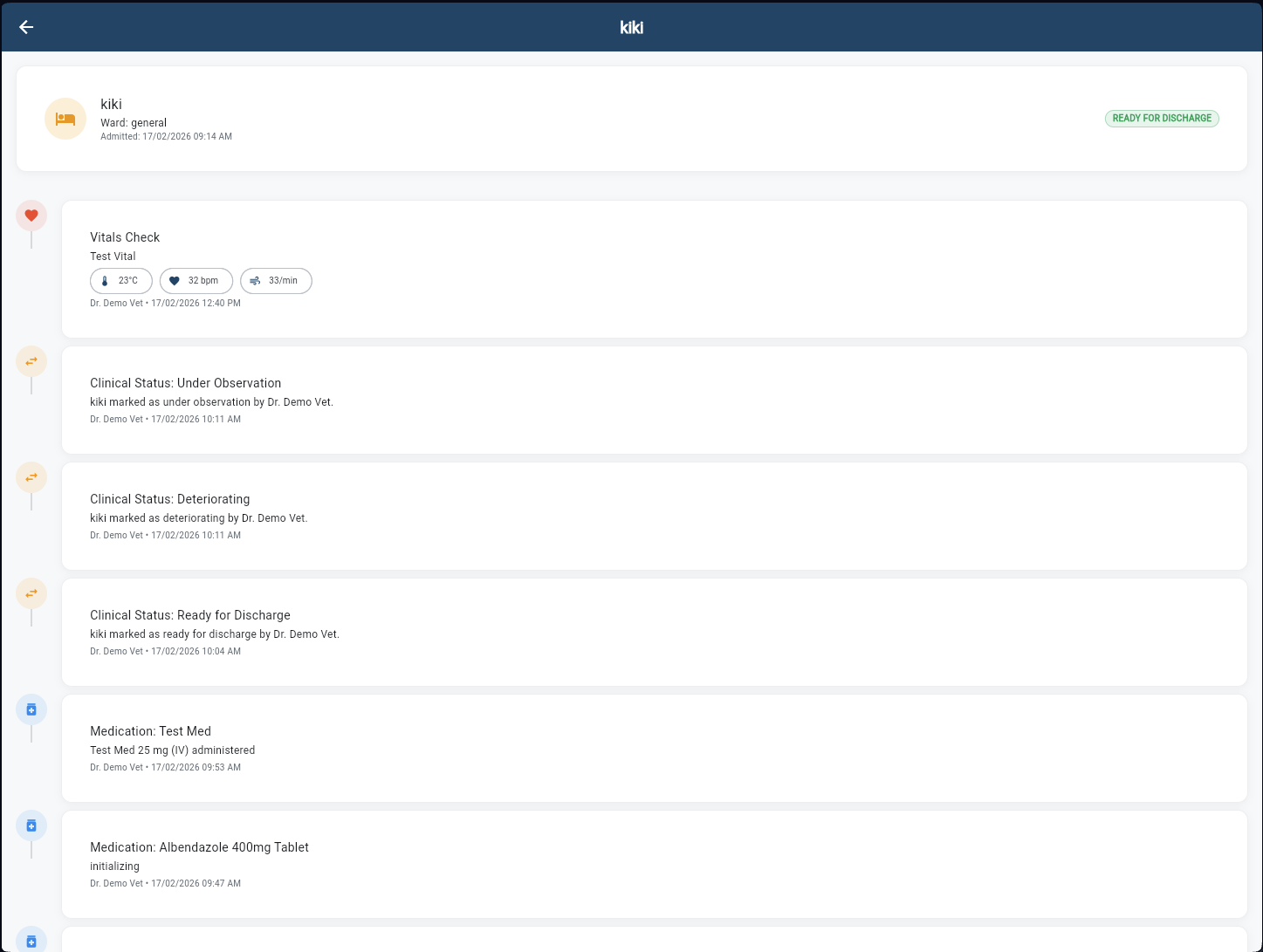
When a pet is admitted, owners see a live clinical timeline — vitals checks, status changes (Stable, Under Observation, Ready for Discharge), medications administered, and vet notes. No more anxious phone calls. Real-time peace of mind, from anywhere.